
Track Jira activity in one place with a customizable dashboard gadget. Filter updates, choose the information you want to display, and stay informed about important team changes.
Follow the steps below to install the gadget and get started.
Installing Custom Team Activity Stream Gadgety
⚙️ How to Get Started
-
Go to the Atlassian Marketplace.
-
Search for Custom Team Activity Stream Gadget.
-
Click Try it free.
-
Select the Jira instance where you want to install the app.
-
Follow the on-screen instructions to complete the installation.
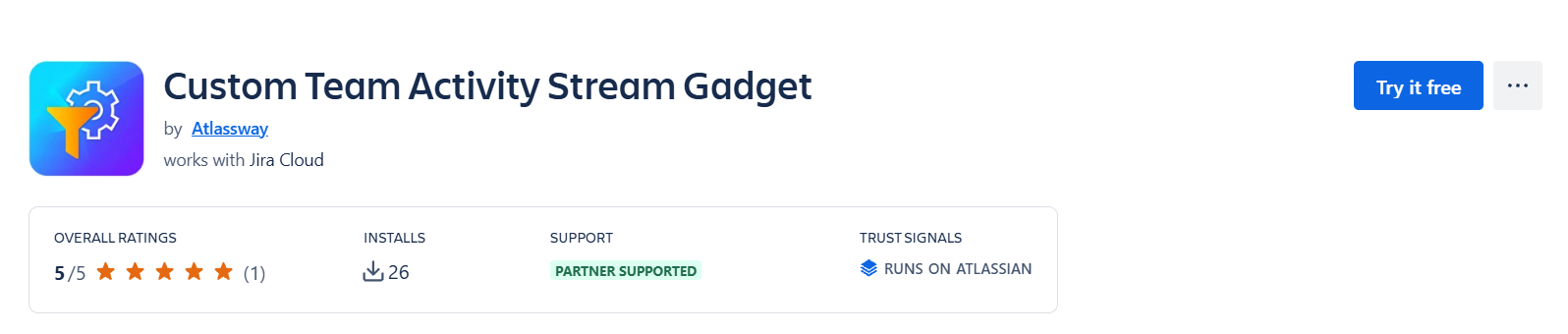
Once the installation is complete, you can start using the gadget on your Jira dashboard.
Key Features
Custom Team Activity Stream Gadget helps you monitor Jira activity with flexible options designed to fit your team's needs.
-
Flexible Search: Filter activity using JQL, basic search, or saved Jira filters.
-
Customizable Columns: Choose which activity details to display and arrange columns to suit your preferences.
-
Activity Tracking: View information such as activity details, update dates, users, and changes.
-
Refresh: Keep your dashboard updated with the latest available activity.
-
Configurable Display: Control how many activity lines appear on each page.
Customize Your Activity Stream
-
Tailor the gadget to focus on the information that matters most to your team. Use search filters to narrow down activity, select the columns you need, and organize the table for easier monitoring.
-
With these customization options, you can create a dashboard view that supports your daily work and helps you stay informed about important Jira changes.
Start Monitoring Jira Activity
Bring relevant Jira updates directly to your dashboard and make team activity easier to follow with Custom Team Activity Stream Gadget.
Need help?
🤝 We're here for you! If you have any questions, suggestions, or feature requests, feel free to reach out — we typically respond within 4 hours.